A file that looks correct on screen may still contain printing problems. A final production check should follow the printer's requirements and examine both the technical setup and the actual content.
Confirm dimensions and bleed
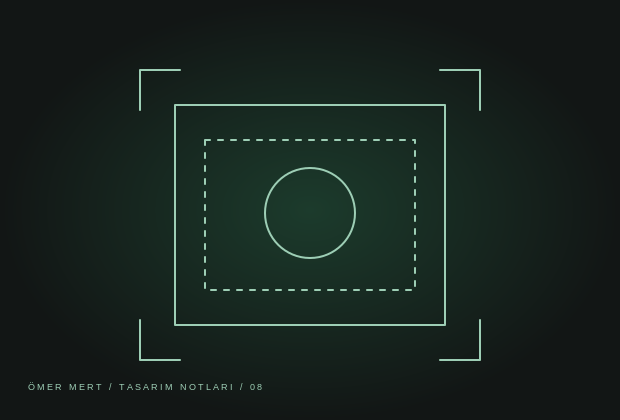
Check the finished size, bleed and safe area with the printer. Keep important text and logos away from trimming edges. Verify folds, panel order and finishing details where applicable.
Inspect images at print size
Review resolution and sharpness at the actual output dimensions. Enlarging a small source image does not restore missing detail. Check linked files, cropping and any visible artifacts.
Review colors, fonts and PDF settings
Use the printer's requested color setup and export specification. Check font handling, transparency and image settings. Do not assume that a single PDF preset is suitable for every production process.
Approve content as well as format
Read names, dates, prices, contact details and product information again. Where possible, review a physical proof. Keep a clearly identified final version so that an earlier draft is not sent by mistake.